A public link for guests
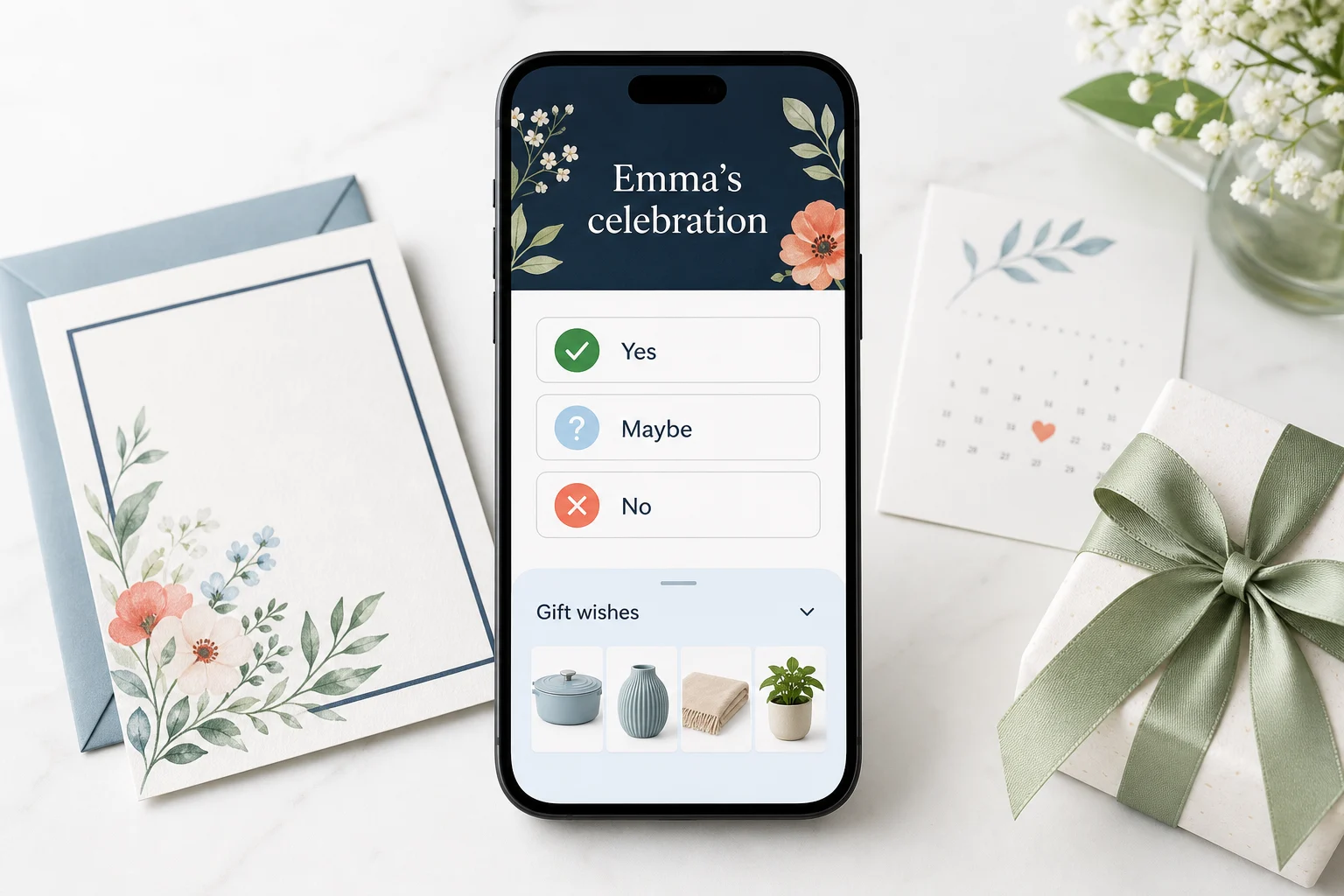
Whoever opens your link sees the gifts, prices, shops and reservation buttons straight away. There is no account wall and no app to install.
Wisploft
Put gifts from any shop on one list and share it with a single link. Nobody makes an account — not you, not the people buying.
Free. Takes about ten seconds.
How it works
That is the whole form. The occasion, the date, a description — all optional, all later.
We read what the product page makes available. If a shop keeps its price private, the gift still goes on the list and guests check the current amount at the shop.
Ten characters, no letters that look alike. Whoever opens it sees your list straight away. No account, no app, no wall.
What makes it different
A wedding registry ties you to one retailer. This does the opposite: an airfryer from one shop, a vacuum from another, a chair from a webshop with forty products.
A guest can reserve a gift or mark it as bought, so the next person sees that someone is handling it. A reservation holds for seven days; you see no names and no counts, because the surprise stays yours.
What you get
Whoever opens your link sees the gifts, prices, shops and reservation buttons straight away. There is no account wall and no app to install.
You manage the same list through your private link. That link proves you own it, so there is no password to remember — and no password reset either, so save it when we hand it to you. We can email it to you once.
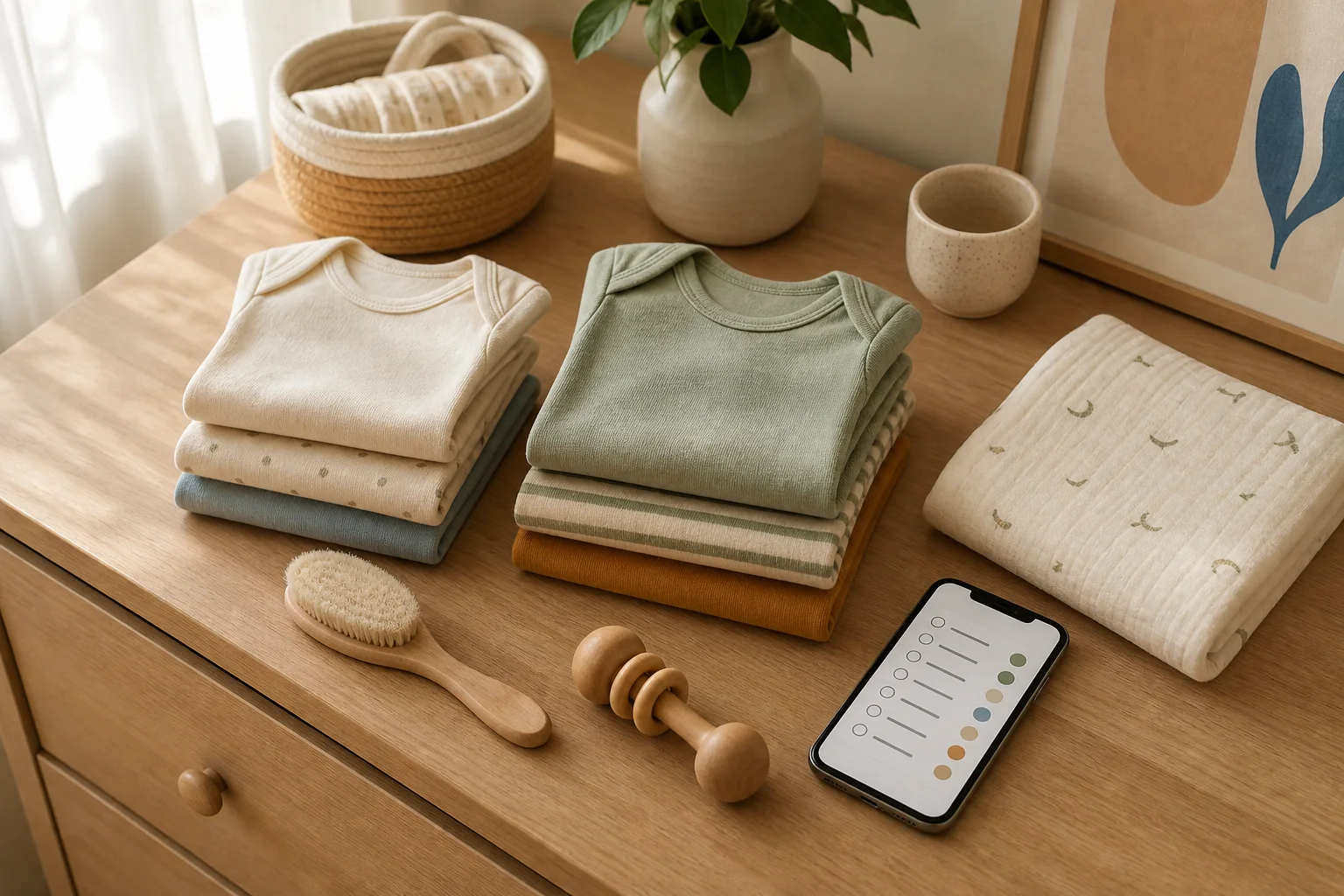
Paste a product link, or just write what the gift is. Either way you can set the name, the price, how many you want and a note for whoever buys it.
Birthdays, baby showers, group gifts, duplicate gifts: the guides help you make a useful list before you share it.
Two things on top
Pick a template, a colour and a lettering — birthday, wedding, baby shower, new home, Christmas. Three taps, and the link you share is dressed for the occasion.
Included, and about as long as it sounds.
Once your list has a gift on it, fill in a short brief from your manage panel. We review it, confirm the timing by email and return an image ready for WhatsApp or Instagram.
No charge, no account, no catch. We ask for an email address because that is where the invitation goes.
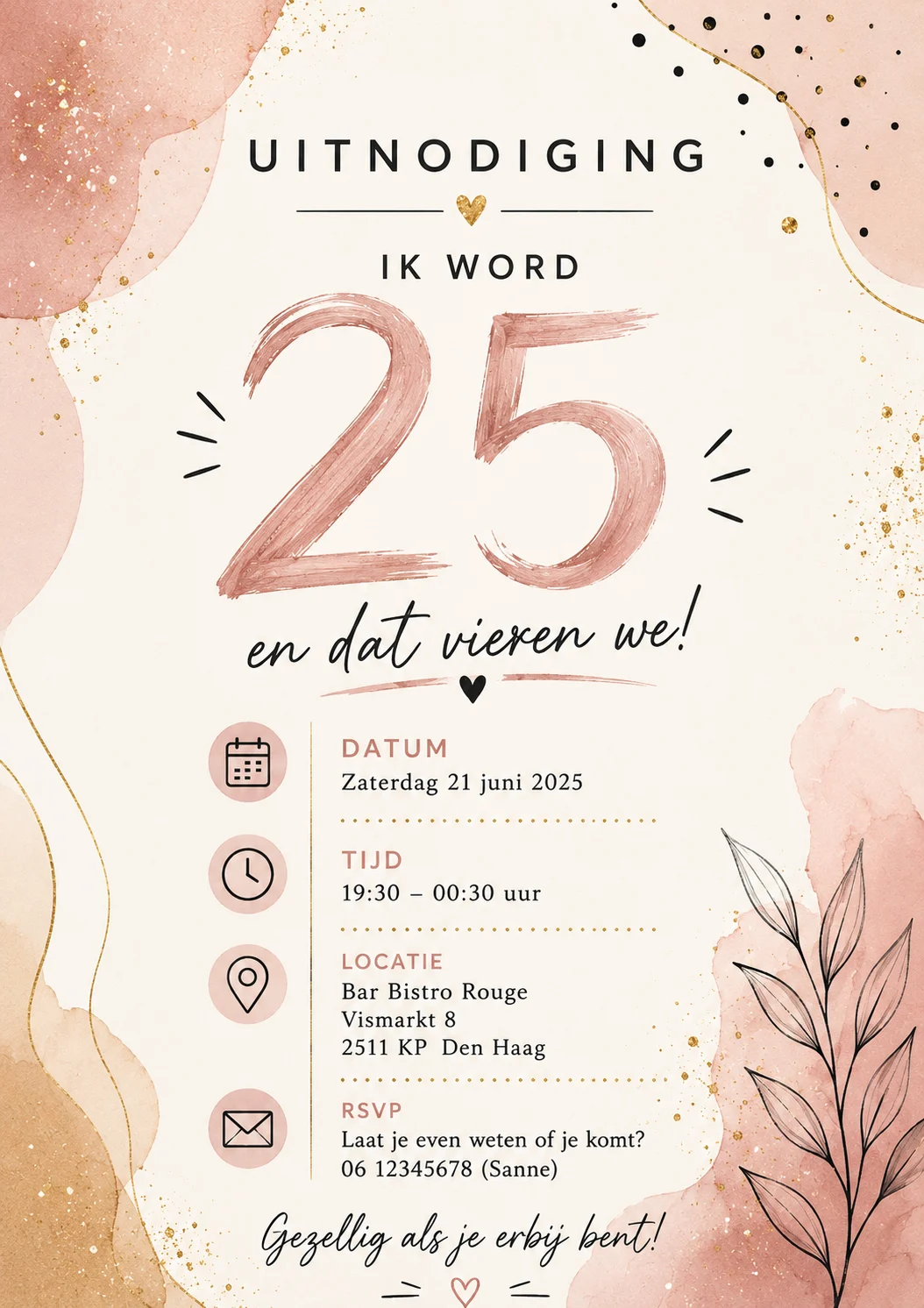
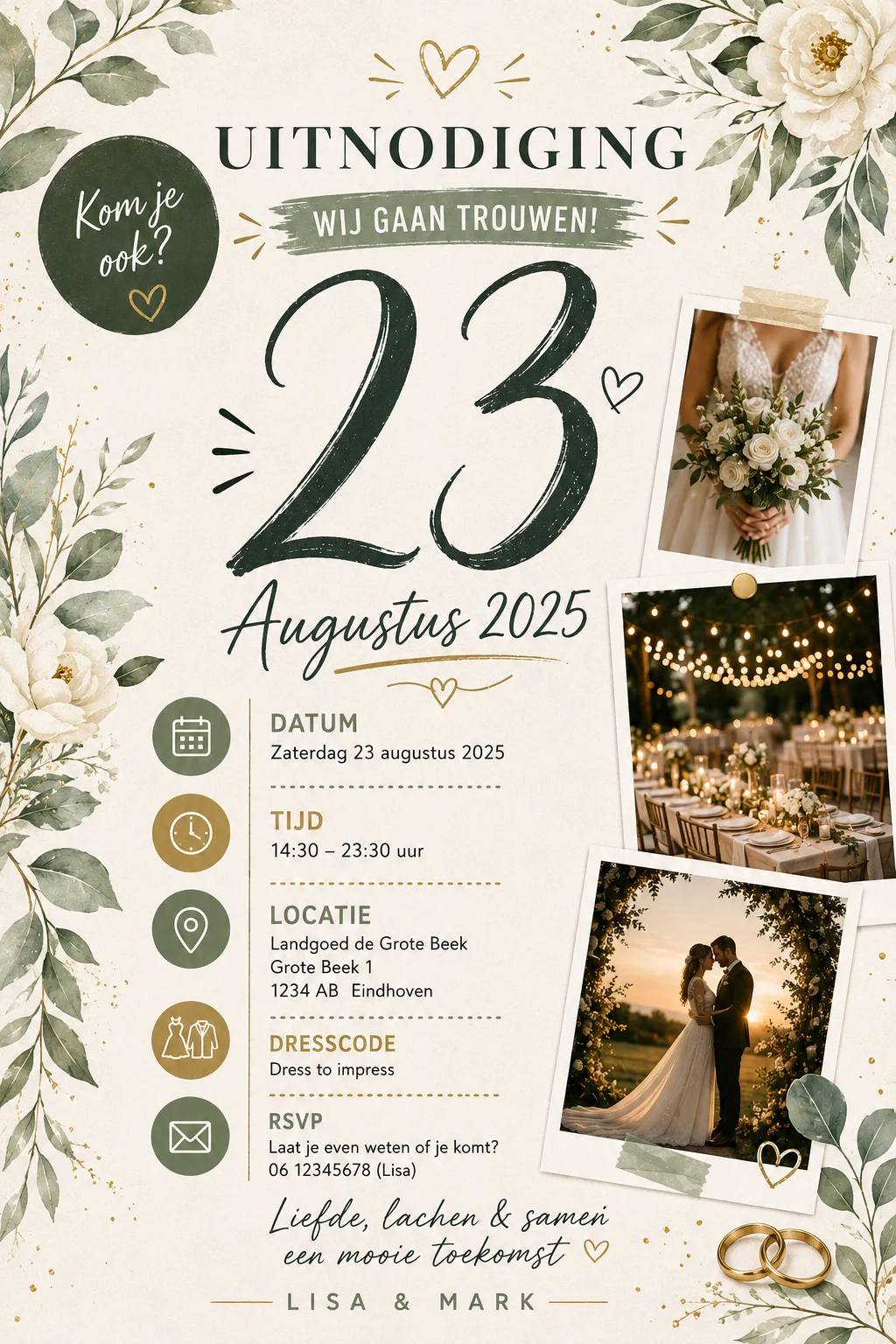
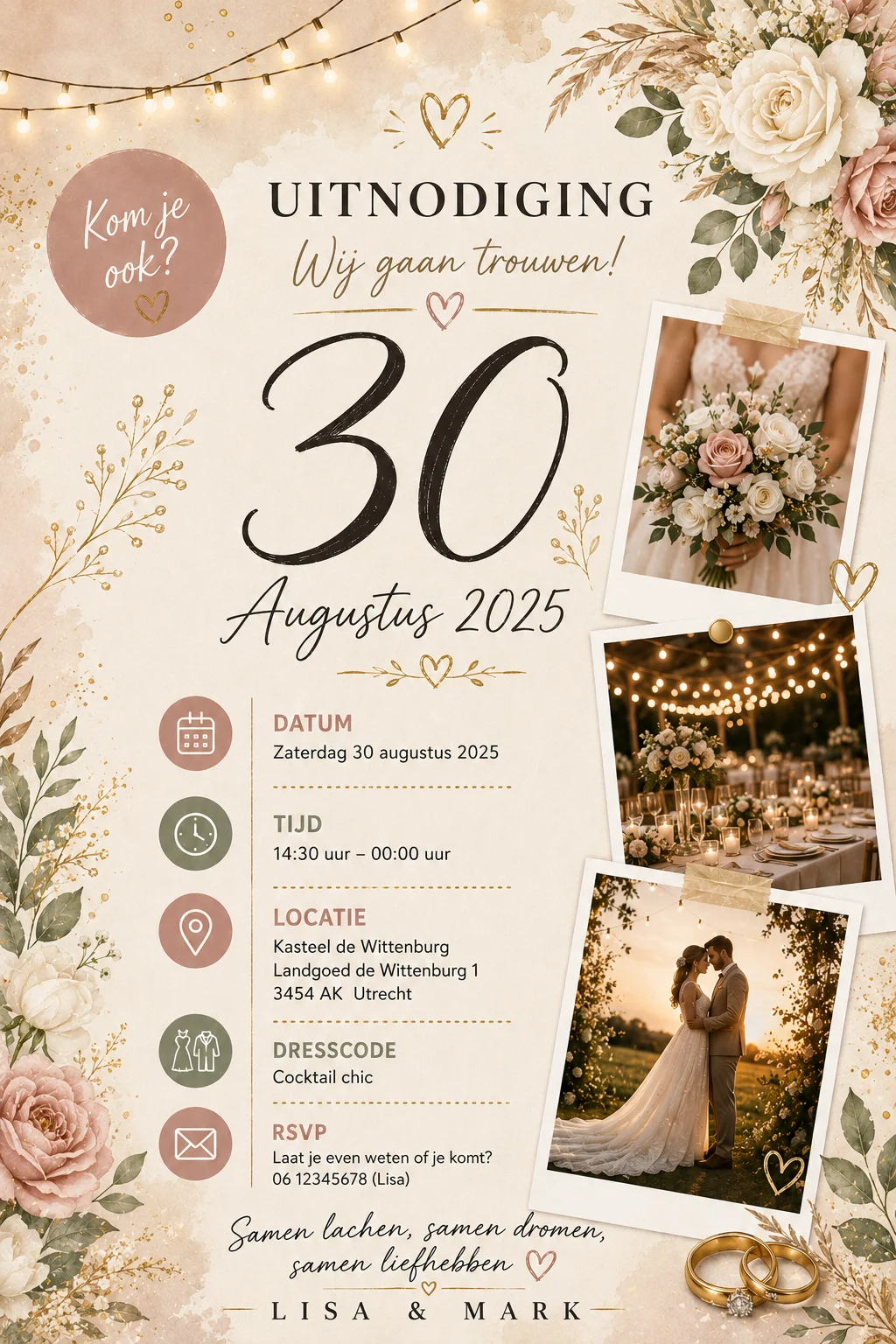
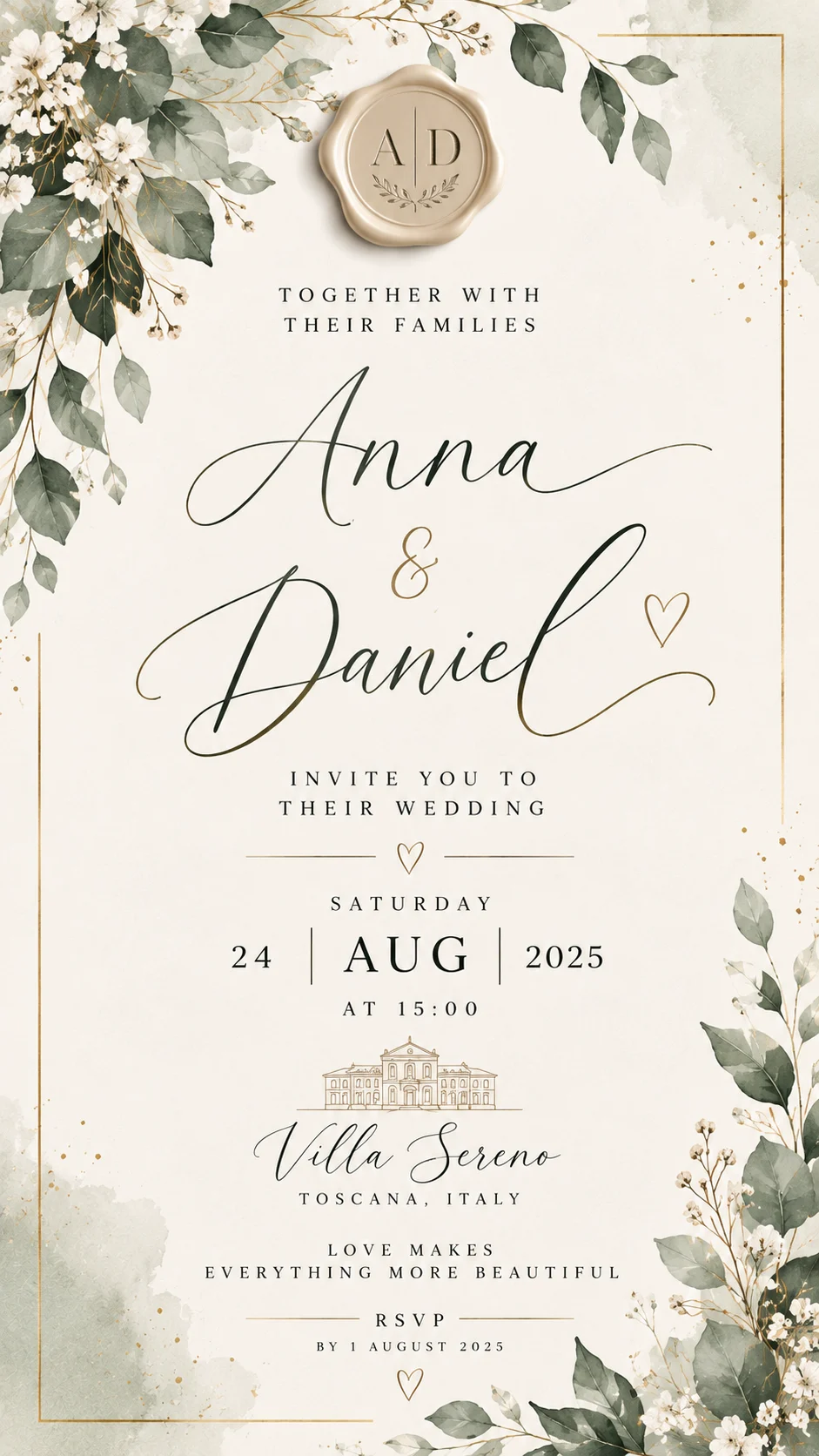
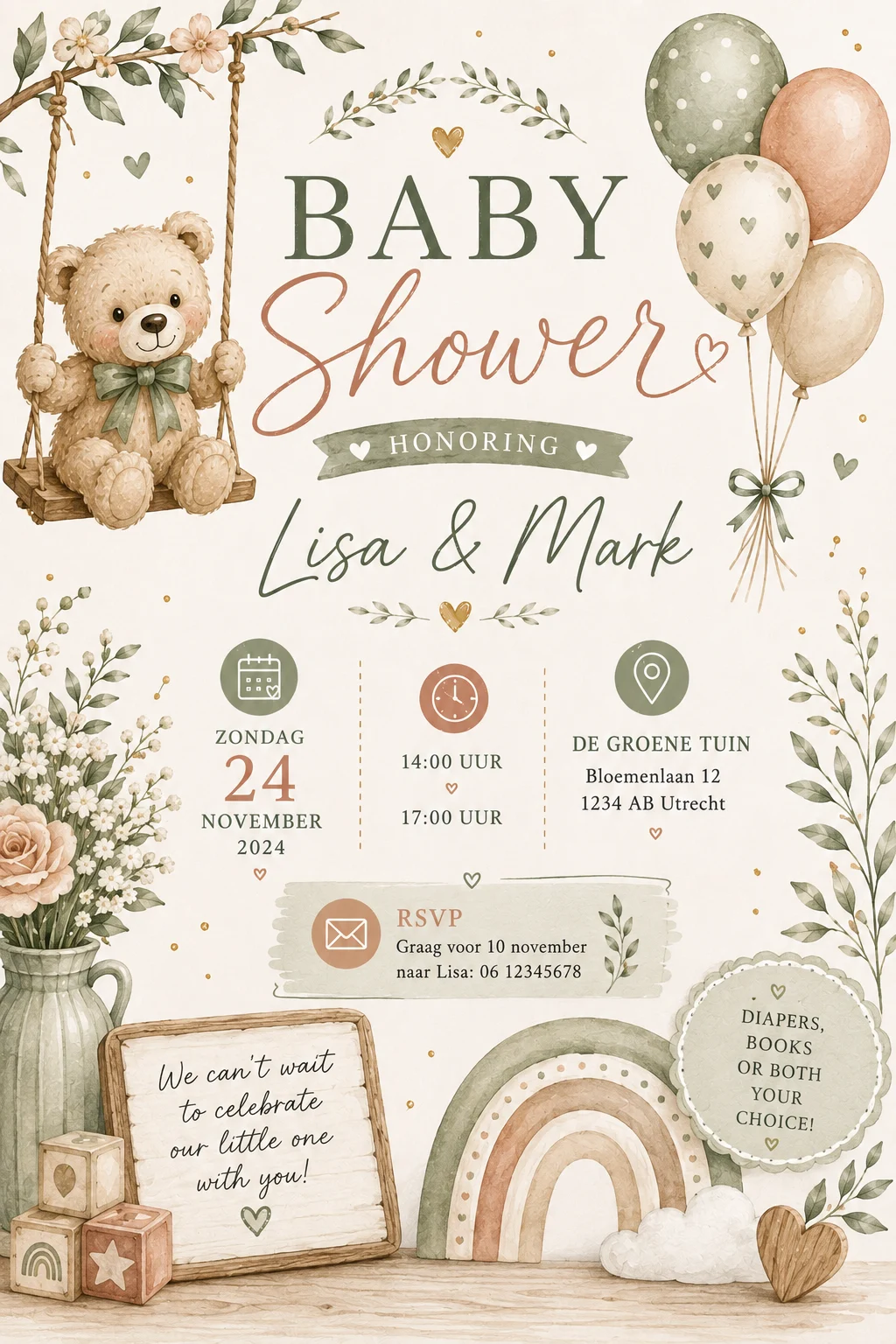
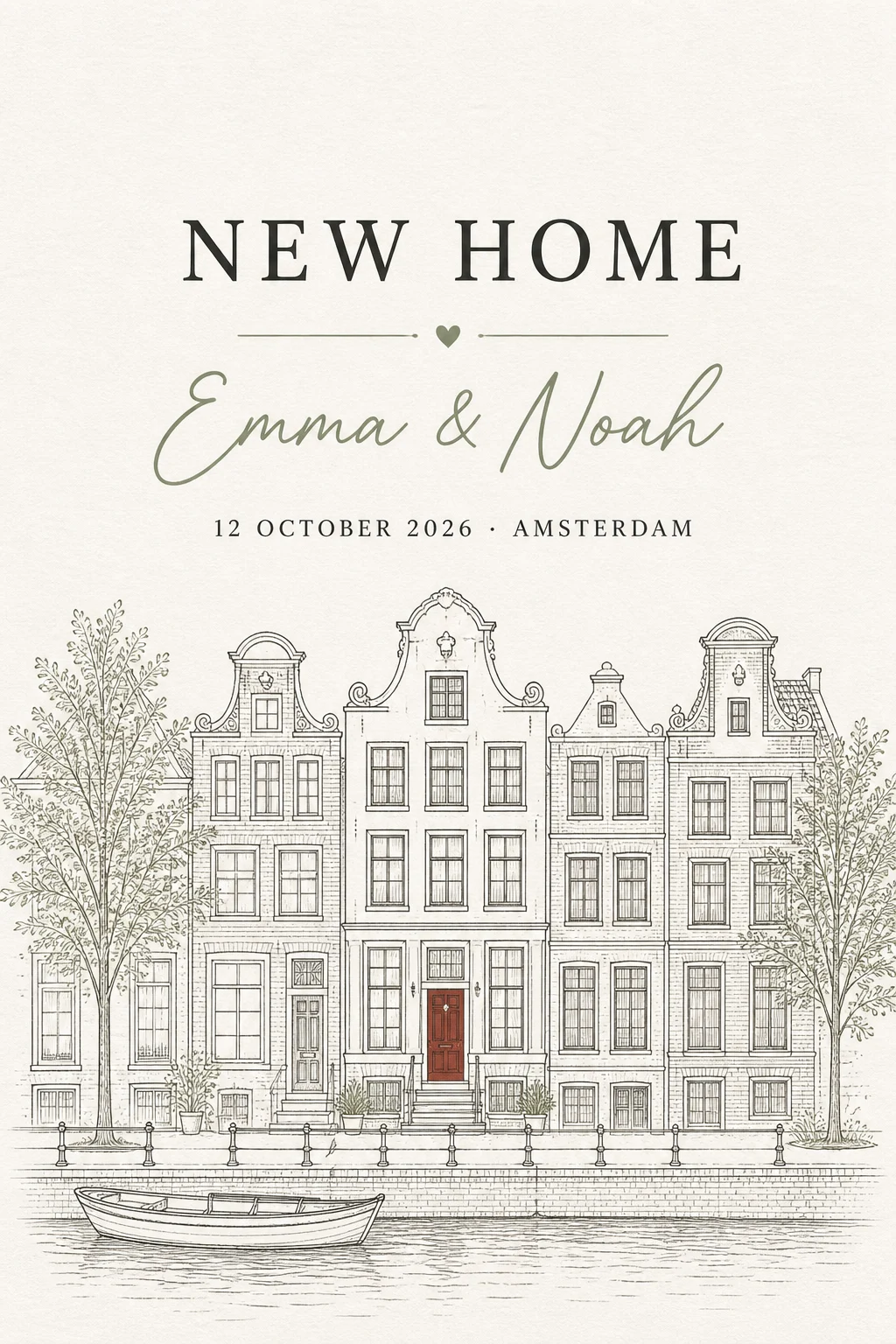
Invitation examples
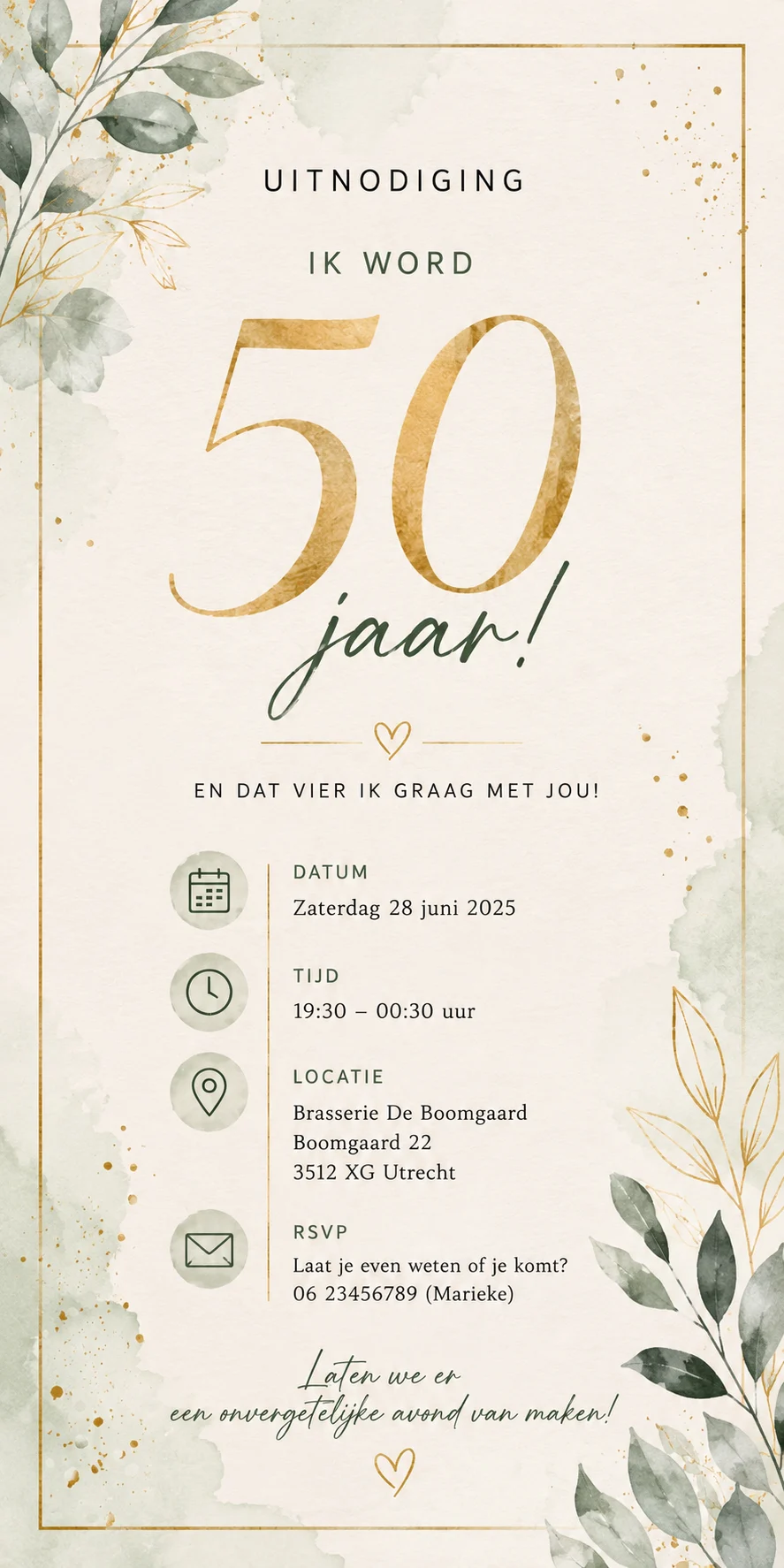
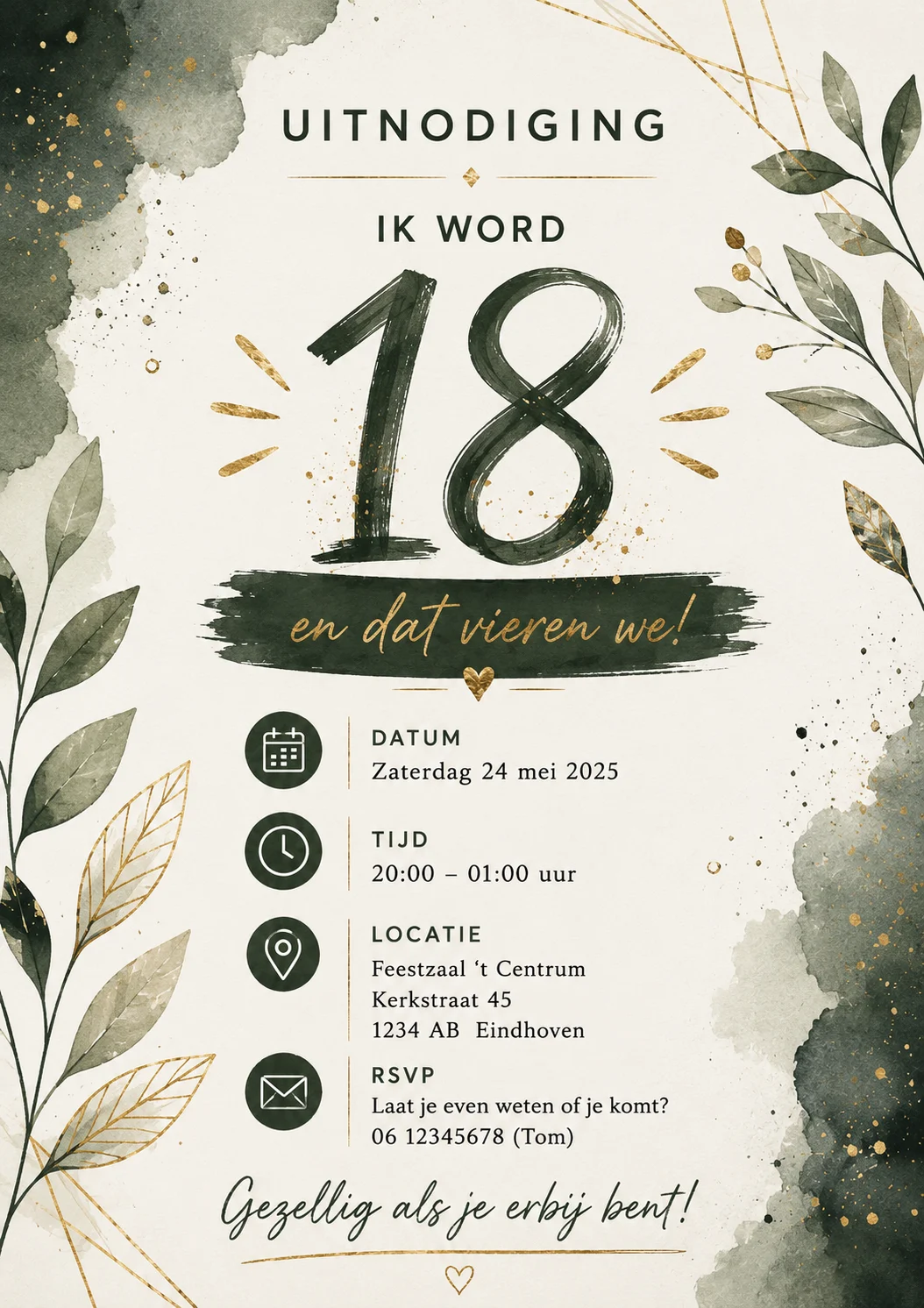
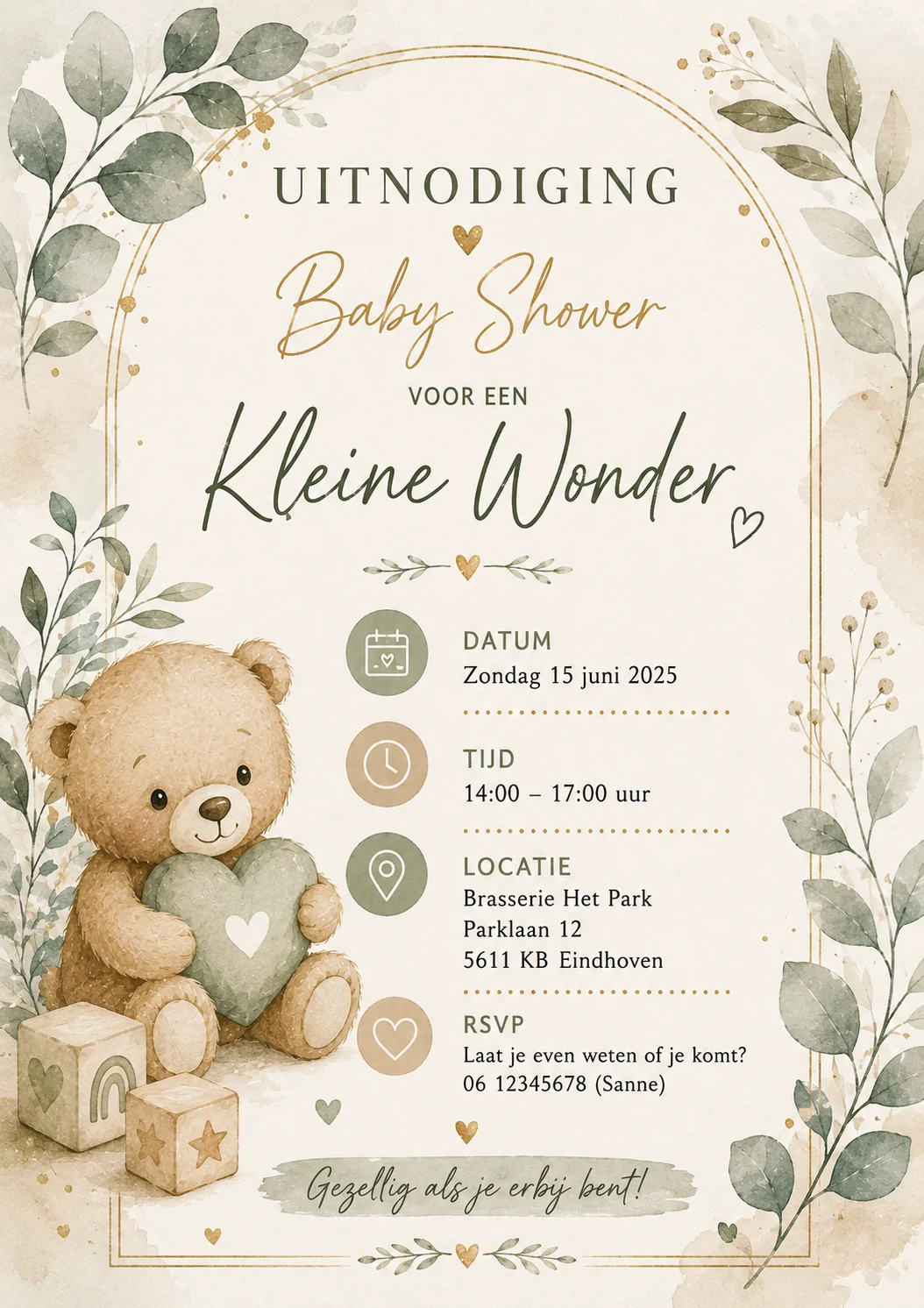
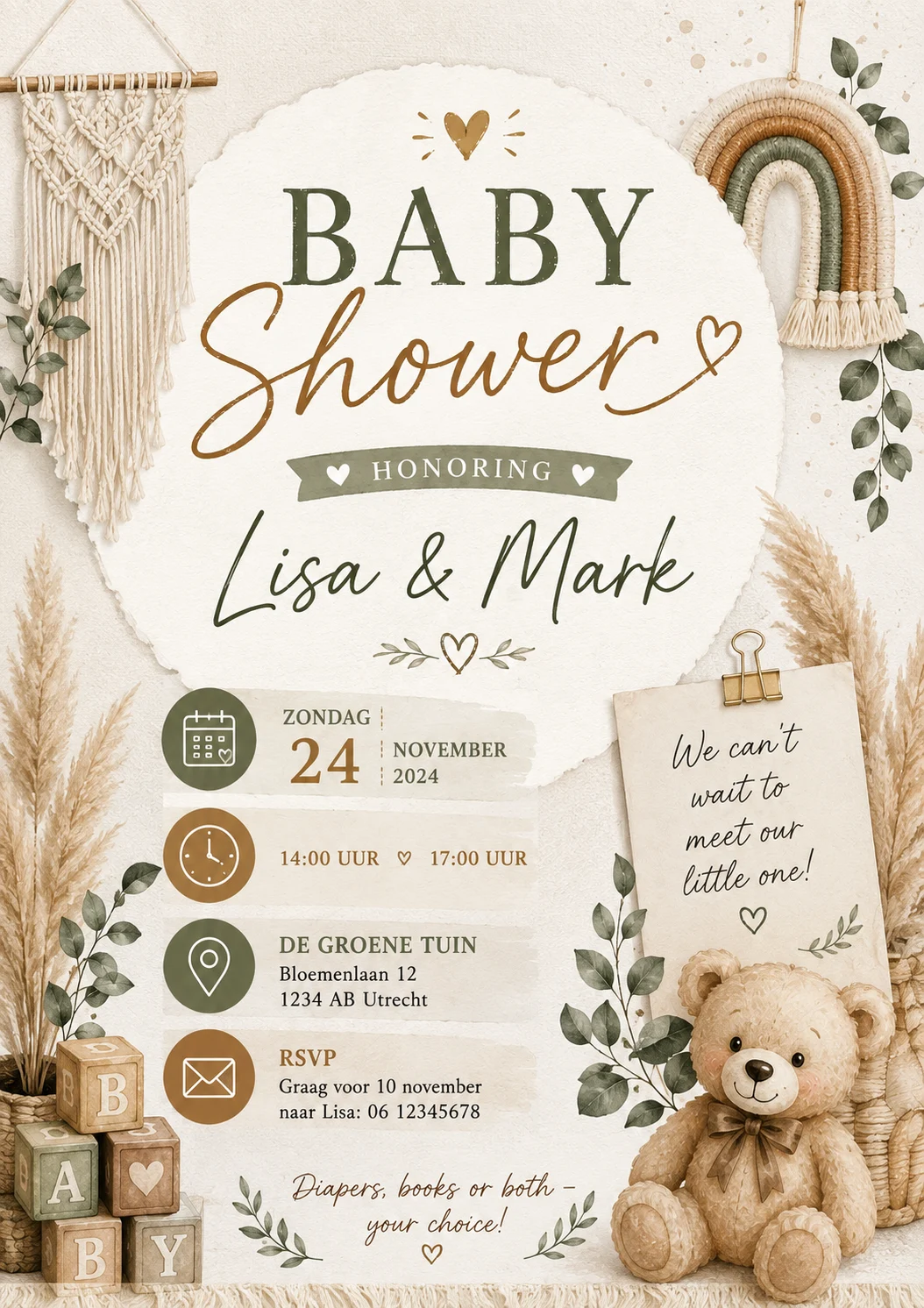
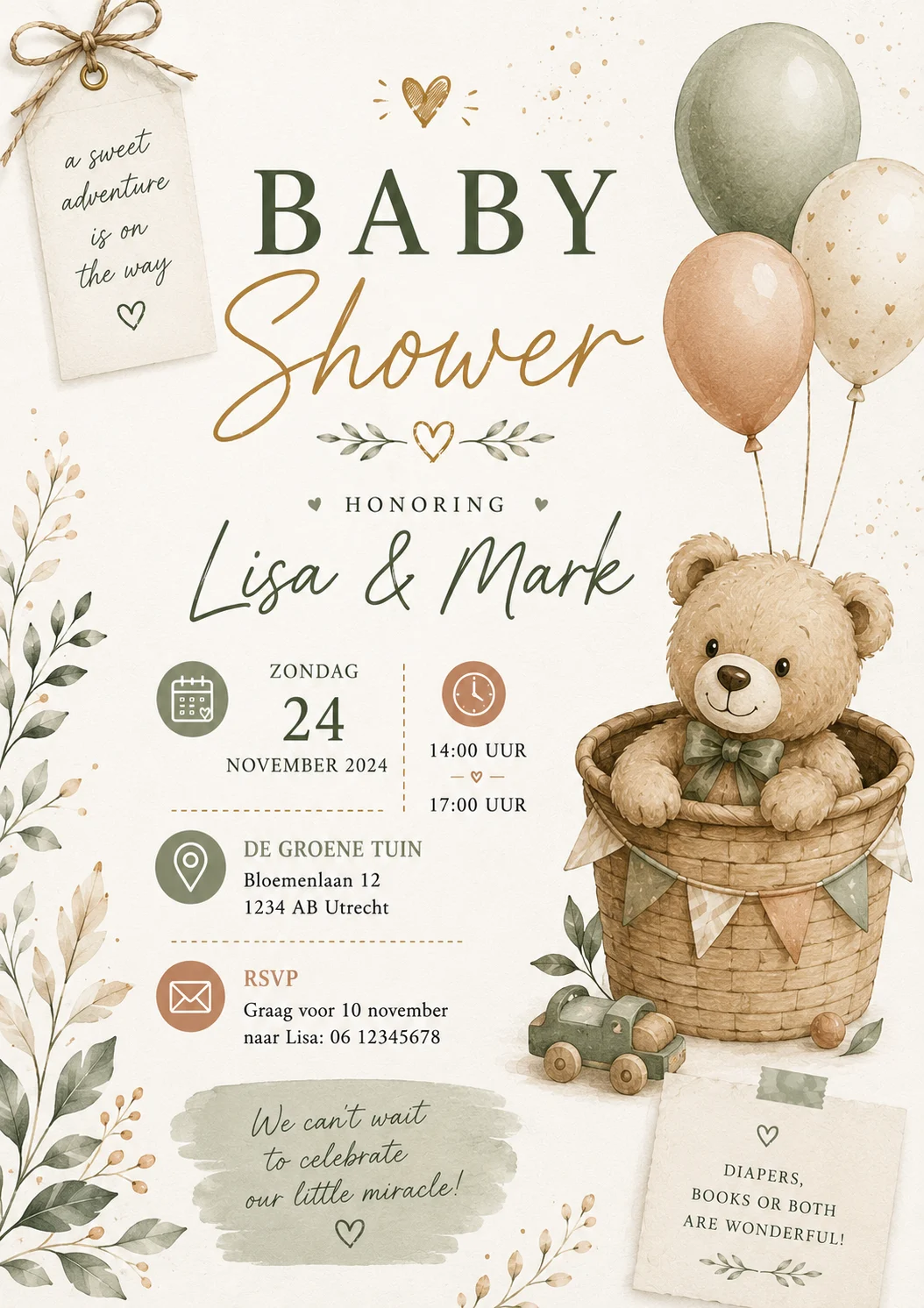
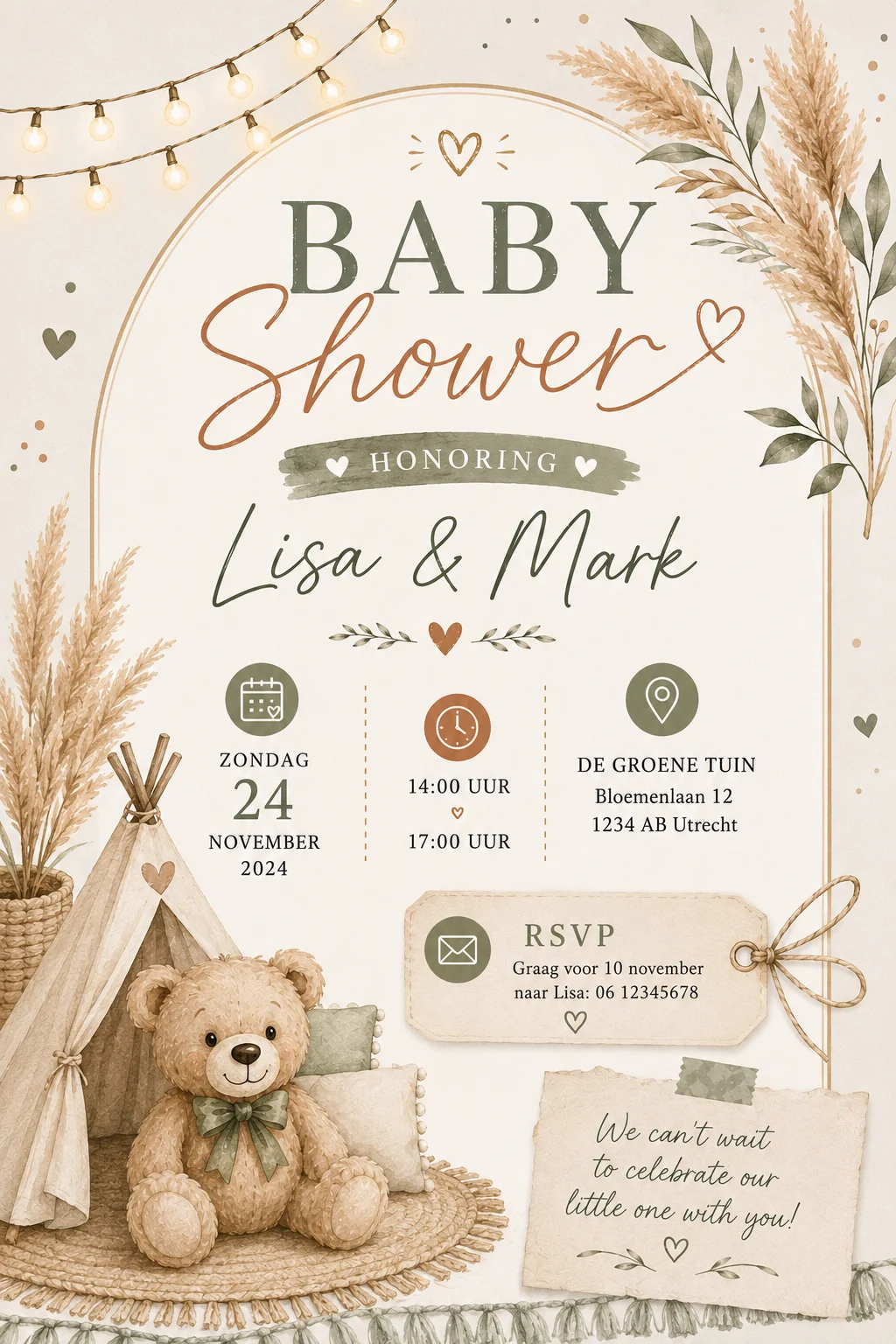
Browse sample directions by occasion, then describe the invitation you actually want. The examples are a starting point, not a menu you are limited to.
01Add at least one gift to your list.
02Open your private manage link.
03Write the language, mood and idea you want — even if it is not shown here.
04Receive the digital invitation by email.
Tell us the language, tone and idea you have in mind. We turn that into polished invitation wording and a share-ready image, then email it back.









Guides
Invitations and RSVP
Combine event details, an accountless RSVP and gift wishes on one private page without asking every guest for an email address.
Read guide →New home
Build a practical housewarming wishlist with useful basics, personal choices and room for second-hand or shared gifts.
Read guide →Sinterklaas
Make one clear Sinterklaas wishlist, coordinate gifts without accounts and keep pakjesavond surprising for children and adults.
Read guide →Baby showers
Build a useful baby shower list with the right sizes, quantities and price ranges, without receiving the same gift three times.
Read guide →Experiences
Leave a name of your choice, a few words and a rating. No account and no email address. Every review is checked before it appears.
No published reviews yet. Yours can be the first.
Ready when you are
Weddings, birthdays, a new flat, Sinterklaas, or nothing in particular.
Free. Takes about ten seconds.